Top Tools for Collecting UX Feedback
Collecting user feedback is essential for improving designs, boosting satisfaction, and increasing conversions. Tools like Hotjar, Usersnap, and Qualaroo help teams gather insights through heatmaps, surveys, and visual feedback. Other platforms like Survicate and UsabilityHub focus on testing and satisfaction tracking, while SUUR even turns feedback into actionable design updates. Here's a quick overview of the top options:
- HappyOrNot: Real-time sentiment tracking with integrations like Slack and Google Analytics.
- Usersnap: Screenshot annotations and video feedback for faster design fixes.
- Qualaroo: AI-driven surveys for targeted feedback.
- Hotjar: Heatmaps and session recordings to understand user behavior.
- Survicate: Multi-channel surveys for NPS and CSAT tracking.
- UsabilityHub: Usability testing and user interviews for early-stage designs.
- SUUR: Expert design revisions based on collected feedback.
Quick Comparison
| Tool | Key Features | Best For | Starting Price |
|---|---|---|---|
| HappyOrNot | Real-time feedback, integrations | Sentiment tracking | Custom pricing |
| Usersnap | Visual feedback, bug tracking | Development-focused tweaks | $69/mo |
| Qualaroo | AI surveys, behavioral insights | Targeted user behavior analysis | $25/mo |
| Hotjar | Heatmaps, session recordings | Visualizing user behavior | Free plan |
| Survicate | NPS/CSAT tracking, surveys | Satisfaction tracking | Free plan |
| UsabilityHub | Usability testing, analytics | Early-stage design validation | $49/mo |
| SUUR | Design revisions, expert critique | Rapid design updates | $5,295/mo |
Pro Tip: Combine tools like Hotjar for behavior analysis and SUUR for design implementation to create a seamless feedback-to-action workflow. Keep reading for detailed insights on each tool.
10 ways to collect user feedback with Usersnap
1. HappyOrNot
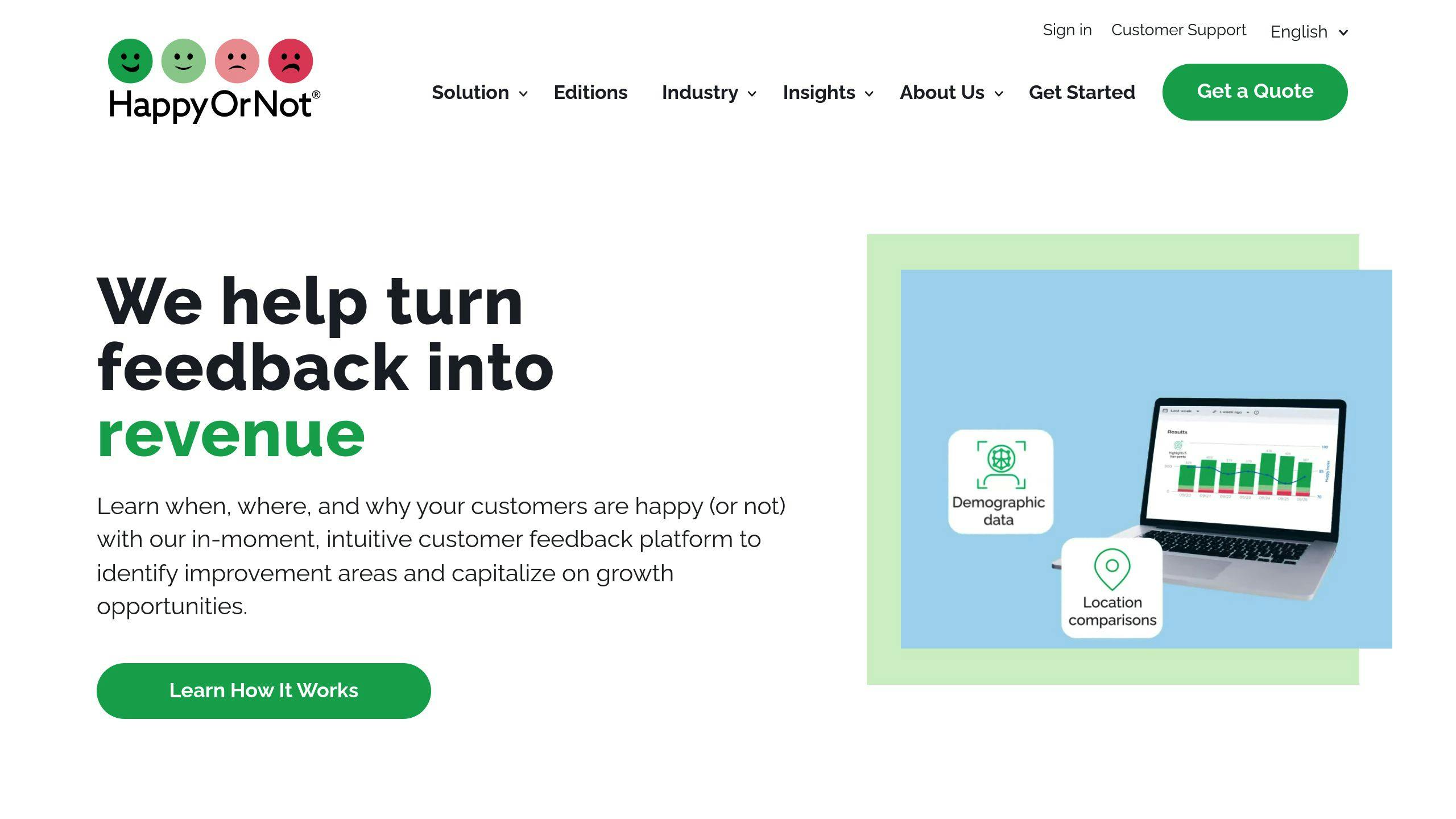
HappyOrNot stands out with its straightforward feedback system based on emoticons. Its real-time analytics dashboard allows teams to quickly identify satisfaction trends and make informed decisions to improve user experiences.
One of the platform's key strengths is its ability to integrate with widely-used tools. For example, it connects with Slack for instant notifications and Google Analytics for detailed data analysis. These integrations ensure that UX feedback fits seamlessly into existing workflows, making it easier for teams to act on user insights without adding extra layers of complexity.
The platform prioritizes security, with GDPR compliance and encrypted servers, making it a solid choice for handling sensitive user data. While there is a free plan available, enterprise-level features require custom pricing. HappyOrNot also provides strong customer support to ensure a smooth setup process.
| Feature | Description |
|---|---|
| Feedback Collection Methods | Physical terminals, Web widgets, Mobile apps |
| Key Integrations | Slack, Google Analytics, CRM systems |
| Data Visualization | Real-time dashboard, Trend analysis, Custom reports |
| Security Features | GDPR compliance, Encrypted data storage |
By focusing on immediate emotional feedback, HappyOrNot helps businesses pinpoint and address UX challenges. These instant reactions give companies a clear view of how users feel in the moment, providing valuable, unfiltered insights.
For teams looking for more advanced web-based feedback tools, options like Usersnap might be worth exploring.
2. Usersnap
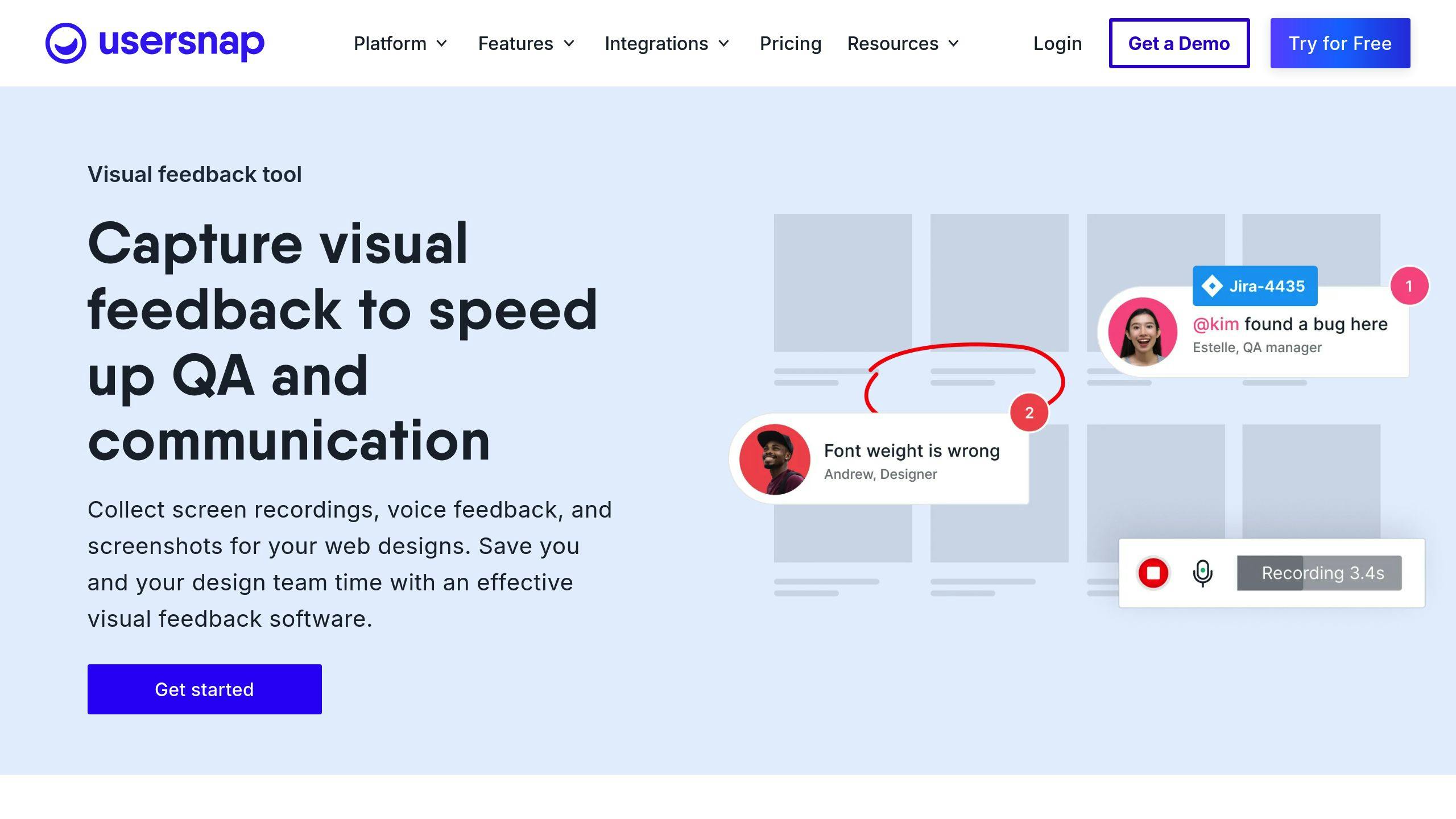
Usersnap focuses on collecting visual feedback, offering tools like screenshot annotations and video recording to provide detailed insights. This level of feedback helps speed up the design process by addressing user concerns more efficiently.
With visual feedback tools, users can mark up screenshots directly on web pages or applications, reducing unnecessary back-and-forth communication and simplifying issue resolution.
The platform integrates seamlessly with tools such as Jira and Slack, ensuring feedback is routed directly into existing workflows. Features like real-time notifications and team collaboration make it easier to act on user input. Usersnap offers multiple pricing tiers, with advanced plans including features like in-depth analytics and reporting.
| Feature Category | Capabilities |
|---|---|
| Feedback Collection | Screenshot annotations, Video recording, Surveys, NPS tracking |
| Key Integrations | Jira, Slack, Trello, Other project management tools |
| Analytics Tools | Real-time alerts, Team collaboration, Custom reporting |
| Survey Options | Net Promoter Score (NPS), Customer Effort Score (CES), Custom forms |
Usersnap also combines quantitative and qualitative feedback through customizable survey templates, helping teams track user satisfaction over time. For those looking for even more specialized survey tools, platforms like Qualaroo can provide additional options.
3. Qualaroo
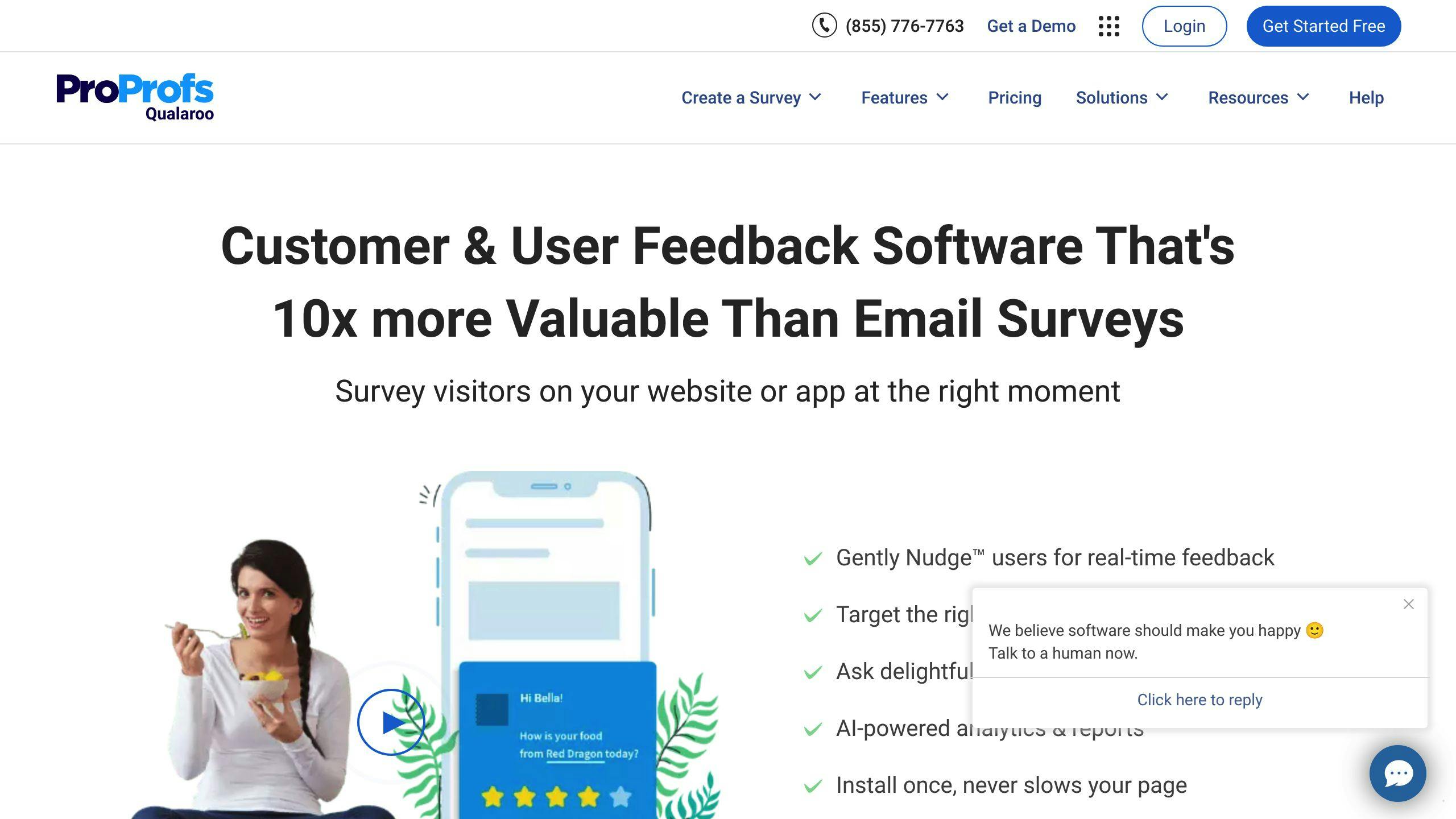
Qualaroo uses AI-driven surveys and smart targeting to gather feedback based on how users interact with your product. This method helps teams gather insights from key user groups at crucial moments, ensuring design decisions are shaped by real user needs throughout the process.
The platform connects feedback with analytics tools, making it easier to turn user sentiment into actionable data. By linking feedback with actual usage patterns, teams can make decisions grounded in both what users say and how they behave.
| Feature | Details |
|---|---|
| Survey Types | NPS, Exit Polls, Custom Forms |
| Analysis Tools | AI sentiment analysis, Real-time insights |
| Integrations | Google Analytics, Salesforce, HubSpot |
Plans start at $25/month, with options to scale for larger teams or enterprise requirements. The AI analysis identifies trends in feedback, saving time and highlighting insights that may otherwise be overlooked. Using Qualaroo early in development ensures you gather ongoing feedback as your product evolves.
For those looking for additional tools, UsabilityHub provides another route for gathering user feedback and testing ideas.
4. Hotjar

Hotjar combines heatmaps and session recordings to help you understand user behavior in a way that traditional analytics often can't. It provides both numbers and context through visual analytics, session recordings, and feedback tools.
Heatmaps reveal where users click, scroll, and hover, giving you a clear picture of interaction patterns. Session recordings let you watch user journeys, while built-in surveys and feedback forms gather insights directly from your audience.
| Feature Type | Capabilities |
|---|---|
| Visual Analytics | Heatmaps, Session recordings, Scroll depth tracking |
| Direct Feedback | Embedded forms, Surveys, User polls |
| Integration Options | Slack, Zapier, Custom API connections |
| Data Analysis | Real-time insights, Behavior analytics, User journey mapping |
Hotjar is built with GDPR compliance in mind, making it a solid choice for organizations that prioritize data privacy. Its flexible pricing works for both small teams and large enterprises.
5. Survicate
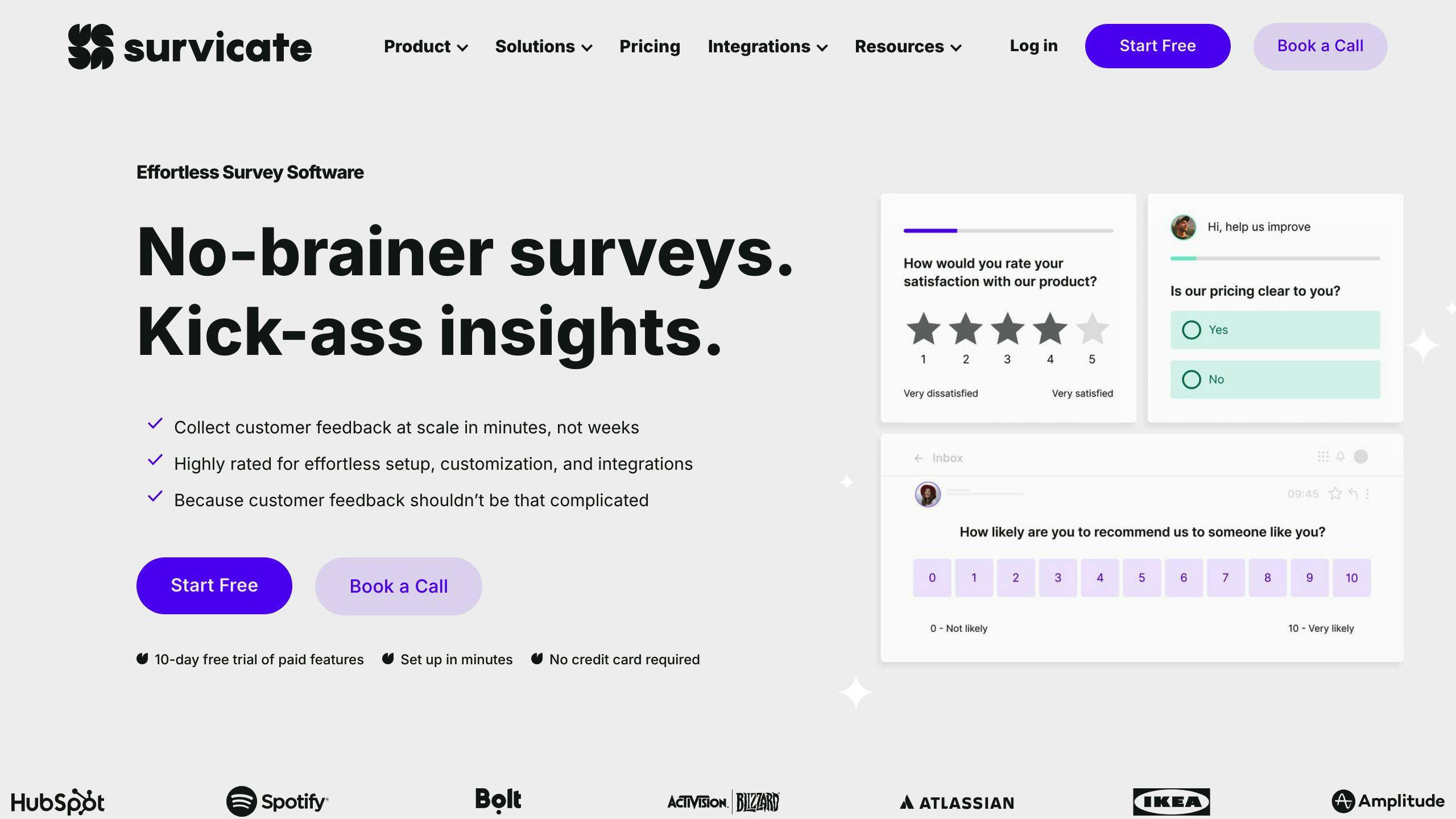
Survicate helps UX teams turn user feedback into actionable design changes. It integrates effortlessly across various channels, offering tools like website feedback widgets, email surveys, and multi-channel NPS (Net Promoter Score) and CSAT (Customer Satisfaction) tracking.
What sets Survicate apart is its ability to collect both structured (prompted) and spontaneous (unprompted) feedback, offering a well-rounded view of user insights. Its dashboard provides real-time updates through these components:
| Component | Functionality | Business Impact |
|---|---|---|
| Sentiment Analysis | Tracks user emotions | Quickly highlights problem areas |
| Performance Metrics | Monitors CSAT and NPS trends | Supports data-driven decisions |
| Integration Hub | Links with Jira, Slack, Zapier | Simplifies feedback workflows |
Survicate allows UX teams to target specific user groups and page locations, ensuring feedback is relevant without disrupting the user experience. Its integrations make feedback management easier - critical issues can be sent directly to Jira for developer attention, while positive comments can be shared in Slack to boost team morale.
For teams aiming to balance structured data with spontaneous user insights, Survicate provides a practical and efficient solution.
6. UsabilityHub
UsabilityHub is a go-to tool for collecting UX feedback, offering remote testing features and a real-time analytics dashboard. It helps teams pinpoint problem areas and focus on changes that improve design. With usability testing, user interviews, and targeted surveys, the platform gathers detailed insights from multiple feedback channels.
UsabilityHub works seamlessly with tools like Slack, Jira, and Google Analytics, making communication, task tracking, and behavior analysis easier. Its standout features for understanding user behavior include:
| Feature Type | Capabilities |
|---|---|
| Visual Analysis | Heatmaps, Mouse flow tracking |
| User Insights | Sentiment analysis, Behavior patterns |
| Testing Tools | Remote usability testing, User interviews |
These tools, such as heatmaps and behavior analysis, help teams quickly identify and address friction points, speeding up the design improvement process.
Pricing starts at $49/month, and a 14-day free trial is available. Users often praise the platform for its easy-to-use interface and strong testing features. Its integration with project management tools ensures feedback is turned into actionable tasks without delay.
Customizable forms and surveys allow teams to collect specific insights tailored to their UX challenges. When added to existing workflows, UsabilityHub fosters a cycle of continuous improvement for product teams.
For those looking to combine feedback tools with expert design services, SUUR provides an additional option to consider.
7. SUUR

SUUR is perfect for teams looking to turn user feedback into real design updates. While platforms like Hotjar and UsabilityHub focus on collecting user insights, SUUR takes it a step further by turning those insights into actionable design changes.
One standout feature is SUUR's 'Roast My Page' service, which provides expert design critiques. Beyond that, their subscription plans deliver fast, unlimited design revisions, making it easy to act on feedback without delays. SUUR bridges the gap between gathering feedback and applying it to improve designs.
| Service Type | Description | Delivery Time |
|---|---|---|
| Design Critique | Expert UX/UI feedback via 'Roast My Page' | Custom timeline |
| Design Implementation | Unlimited revisions based on feedback | 1-2 days |
| Design Solutions | Comprehensive digital design updates | 2-3 days |
For flexibility, SUUR offers several subscription options. SUUR Huge provides a single workstream with a 2-3 day turnaround, while SUUR x3 supports three parallel workstreams with a 1-2 day delivery time. For custom design needs, SUUR One delivers tailored solutions.
Pairing SUUR with tools like Hotjar or UsabilityHub creates a seamless workflow. This combination ensures that user feedback doesn't just sit in a report - it leads directly to improved designs that make a real impact.
Comparison Table
Here's an easy-to-digest breakdown of UX feedback tools to help you decide which fits your needs:
| Tool | Key Features | Pricing | Best For | Notable Integrations |
|---|---|---|---|---|
| HappyOrNot | Real-time feedback collection | Pricing upon request | Tracking real-time user sentiment | Slack, Google Analytics |
| Usersnap | Visual feedback and bug tracking | Starts at $69/mo | Development-focused UX tweaks | JIRA, Trello |
| Qualaroo | Behavioral targeting with AI insights | Pricing upon request | Deep user behavior analysis | Salesforce, HubSpot |
| Hotjar | Heatmaps, recordings, and surveys | Free plan available | Visualizing UX behavior | Google Analytics |
| Survicate | Customizable surveys with NPS/CSAT | Free plan available | Tracking user satisfaction | ActiveCampaign |
| UsabilityHub | Design validation tools | Starts at $49/mo | Early-stage UX testing | Figma |
| SUUR | Design implementation and revisions | From $5,295/mo | Fast UX updates | Design tools |
Key Tool Strengths for UX Feedback
| Feature Type | Top Performer | Why It Matters |
|---|---|---|
| Visual Analysis | Hotjar | Helps visualize user behavior clearly |
| Survey Tools | Survicate | Offers flexible feedback options |
| Design Updates | SUUR | Speeds up UX changes based on feedback |
| User Testing | UsabilityHub | Validates designs with targeted testing |
Katherine Crutchfield, UXR Lead at Landing, highlights the importance of these tools in identifying critical user issues: "If we hadn't been hearing it bubble up through the Feedback Button, we wouldn't have had any way of knowing about the problem." [2]
For teams focusing on behavior analysis, Hotjar's free plan offers essential visualization tools [1]. If surveys are a priority, Survicate stands out with its integration flexibility [3]. And for rapid design updates, SUUR bridges the gap between collecting feedback and implementing changes.
Wrapping It Up
This article has covered tools that help turn user feedback into concrete design changes. Modern feedback tools now come packed with features like visual analytics and AI-driven insights, giving teams the power to make smarter, data-backed UX decisions.
Landing's UX research team showed how effective these tools can be with their feedback button rollout. Katherine Crutchfield, UXR Lead at Landing, summed it up well:
"If we hadn't been hearing it bubble up through the Feedback Button, we wouldn't have had any way of knowing about the problem."
To get the most out of these tools, it’s important to match their features to your specific needs.
Things to consider when choosing a UX feedback tool:
- How well it integrates with your existing tools
- The type of feedback you’re aiming to gather (visual, behavioral, or survey-based)
- Reporting and analytics features
- Whether it can grow with your user base
- Budget and potential return on investment
When selecting a tool, look for strong integration options, the right feedback collection methods, solid analytics, scalability, and cost-effectiveness. Using a mix of tools can help balance quantitative data with qualitative insights, leading to better design decisions.
The real power of these tools lies in using the feedback to make changes. Whether you’re leveraging Hotjar for heatmaps, Survicate for surveys, or UsabilityHub for testing, focus on creating a feedback loop that supports ongoing improvement.
Define your goals, act on meaningful insights, and keep the feedback process consistent to create designs that truly connect with your users.
FAQs
Which tool is used for usability testing?
If you're focusing on usability testing, Lookback is a popular choice. It allows you to record sessions, conduct user interviews, and document user pain points in real time.
For a well-rounded approach, pair Lookback with tools like UsabilityHub and Hotjar. UsabilityHub is great for quick user tests and first-click testing, while Hotjar provides visual insights through heatmaps and session recordings. Together, these tools help you gather both qualitative and quantitative feedback on your user experience.
Using multiple tools ensures you collect diverse data, giving you a clearer picture of how users interact with your product.